
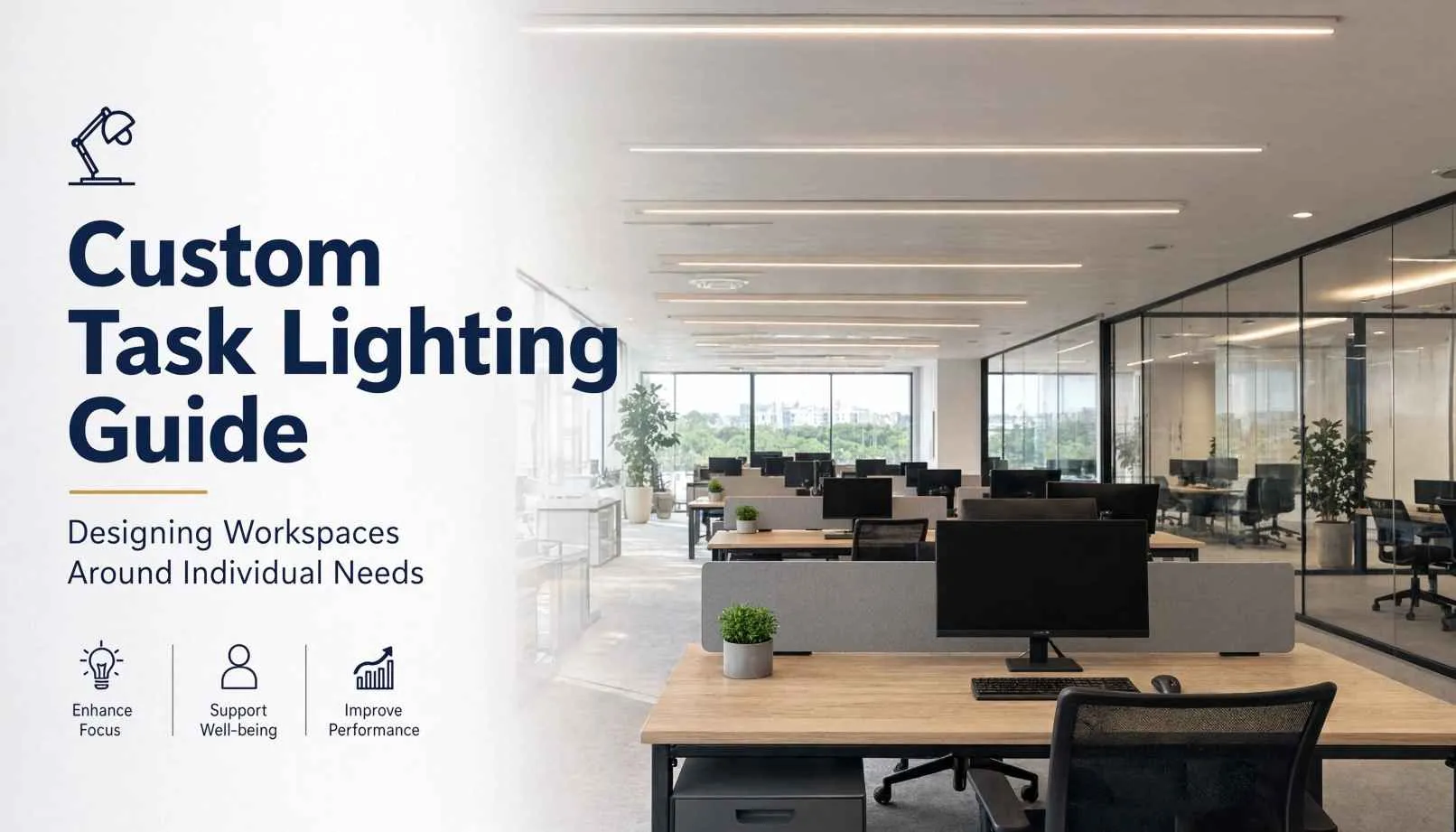
Custom task lighting refers to localized, adjustable illumination systems configured around the specific visual demands, physical layouts, and personal habits of individual workers at their workstations. Rather than washing an entire floor plate in one static brightness level, these setups direct light precisely where eyes focus. Workers adjust the beam angle, intensity, and optical tone to fit the job in front of them.
Rows of identical fluorescent troffers have dictated office design for decades, yet they fail the people working under them. Consider a typical floor plan. A data analyst stares at three glossy monitors, a designer checks ink density on large architectural drawings, and a technician solders wire leads under magnification. Grouping these workers beneath the same relentless ceiling panels strains their eyes, breaks their concentration, and wastes power on empty rows of desks. Custom task lighting corrects this disconnect by putting illumination control right at the desktop surface. When employees can adjust light angle, dim output, fine-tune color temperatures, and let smart sensors manage run times, the workspace bends to support the work rather than fighting it.
Understanding Task Lighting Fundamentals
Task lighting delivers focused illumination to a specific work surface where concentrated visual activity occurs. General ambient fixtures merely keep people from stumbling over wastebaskets in the dark. Localized desktop fixtures, on the other hand, brighten the exact plane of action. Draftsmen, micro-assembly teams, and contract reviewers require this concentrated output because faint pencil lines, low-contrast prints, and tight tolerances demand visual clarity that ceiling panels twenty feet up cannot deliver.
Task lighting is generally used as a complement to ambient lighting rather than as a complete replacement for general illumination. They function as a team.
When facilities run background ambient illumination at a softened, lower foot-candle baseline, energy consumption falls and annoying ceiling reflections vanish from computer screens. High-grade desktop lights then bridge the gap. Workers dial up brightness directly over paperwork or physical parts without sending intrusive spill light into a neighbor’s peripheral vision. This layered balance prevents the harsh luminance gulf between a blazing blotter and a pitch-black room, helping reduce visual discomfort and fatigue during extended periods of detailed work.
Visual demands vary across any company roster. Visual requirements can also vary with age and individual needs. Some workers may benefit from additional task illumination when performing detailed or small-print work. Someone typing emails all day needs muted, indirect glow to prevent screen washout. An accountant reviewing printed tax ledgers needs crisp downward illumination. Meeting these varied requirements calls for different hardware types, including counterbalanced articulating arms, under-shelf linear pucks, clamp-on monitor bars, and low-profile fixtures slotted directly into modular partition channels.
Why Custom Task Lighting Is Essential for Modern Workspaces
Overhead troffers alone create persistent headaches across open-plan floors. Glare is easily the most aggravating offender. Fixed ceiling tubes bounce straight off glossy monitors and polished laminate tops, obscuring contrast and forcing staff into strange, twisted postures just to read lines of text. Directional task lamps counter this problem immediately. Workers tilt the optical head to cast light across paper documents while angling the cone away from display panels entirely.
Shadows trigger just as many complaints. The moment an employee leans over a keyboard or ledger, their torso, neck, and hands cast deep silhouettes across the work area. Wall-hung storage binders and acoustic privacy baffles make these dead zones worse. Articulating LED heads extend beneath overhead cubicle bins, bathing the desk surface in smooth light without obstructive silhouettes. This setup eliminates the constant squinting, craning, and headaches that ruin focus during deadline pushes.
Personal control fundamentally changes how people feel about their desk space. Nobody likes sitting helplessly under humming, overdriven fluorescent tubes. Handing individuals the ability to dim, angle, and warm their immediate environment brings quick relief. It gives workers an easy way to counter wet morning overcast, blinding midday sun, or late-evening sprint sessions.
Key Technical Factors in Custom Task Lighting Design
Choosing the proper commercial task fixtures requires looking past stylish finishes to evaluate true optical performance. Success comes down to dimming fidelity, beam control, spectral balance, and mechanical movement.
Fixtures must feature continuous dimming down to at least ten percent rather than basic high-low toggle switches. The appropriate illuminance level depends on the task, surface characteristics, visual requirements and surrounding light levels. Adjustable fixtures allow workers to fine-tune illumination rather than relying on one fixed output for every task. Smooth dimming sliders let workers dial output to an exact comfort threshold as daylight shifts across the window glass.
Color temperature changes how sharp a room feels. Warm tones around 2700K create a soft, hospitable mood suitable for executive lounges or casual phone booths. Neutral white light around 3500K to 4000K is commonly considered for many office and detailed work environments because it provides a crisp, neutral appearance. Tunable-white fixtures can provide flexibility where different colour temperatures are desired for different activities or times of day.
Color accuracy matters immensely for technical work. The color rendering index shows how accurately an artificial lamp displays material pigments compared to noon sunlight. Applications involving colour evaluation or visual inspection may benefit from high-colour-rendering fixtures, with the appropriate CRI selected based on the specific task and material being viewed. Cheap diodes with poor color fidelity make subtle red and brown shades appear dull, greenish, or gray.
Solid optical construction stops glare at the source while cutting driver flicker. Better desktop fixtures feature micro-prismatic optical plates, deeply recessed diode strips, and asymmetric reflectors that sweep illumination forward across the desk rather than spraying light into a worker’s eyes. High-frequency solid-state drivers prevent stroboscopic flicker. Low-flicker drivers can help support visual comfort, particularly in environments where workers spend long periods under artificial lighting.
The Role of Occupancy Sensors in Smart Workspace Lighting
Pairing smart controls with desktop fixtures creates a network that conserves power without annoying users. Integrated sensors detect physical presence through passive infrared lenses, ultrasonic signals, or dual-tech components. When employees leave for a staff meeting or lunch run, these tiny sensors quietly power down the fixture, keeping empty stations from burning power across an empty floor.
Facility planners should note the practical difference between occupancy sensors and vacancy sensors. Occupancy sensors turn lights on automatically the instant someone approaches and cut them off after movement stops. Vacancy sensors, by contrast, make the user tap a button to fire up the lamp, handling only the automatic shutoff sequence once the desk sits empty. Vacancy sensing can help reduce unnecessary lighting operation because users manually turn the lights on while automatic shutoff handles unoccupied periods. Staff members who have ample window light won’t trigger unwanted illumination just by walking past their task chairs to drop off a coffee mug.
Sensor placement makes or breaks performance. If a sensor lens sweeps too wide, every custodian or colleague walking down the main carpet aisle keeps the light switched on. Sensor placement should be matched to the fixture, workstation layout and manufacturer’s coverage specifications to minimize false activations and missed occupancy. They must also pick up minute physical movements, like typing or turning paper pages, so workers reading thick legal briefs don’t get plunged into darkness every ten minutes.
Strategies for Implementing Workstation Lighting
Rolling out adjustable task fixtures across a large facility calls for structured planning. Successful upgrades follow a clear sequence:
- Measure existing ambient illuminance in lux across workstation clusters across all desk clusters to locate dark pockets and over-lit hot spots.
- Isolate departments with intensive visual workloads, like drafting, legal review, or intricate assembly.
- Pick fixture mounting bases that match current cubicle walls, wire management troughs, and work surfaces.
- Specify asymmetric lenses to stop stray light from drifting into adjacent cubicles.
- Install desk-mounted vacancy sensors to guarantee fixtures turn off when desks sit idle.
- Choose simple hardware buttons or touch dials so employees can operate lights without consulting an instruction sheet.
Task Lighting for Different Workspace Types
Every commercial layout presents different optical hurdles. In enclosed private offices, occupants have full control over the perimeter walls and overhead switches. Here, a heavy articulating arm with broad dimming ranges and tunable white diodes allows a manager to set high-contrast beams for legal paperwork or switch to a mellow, warm glow during one-on-one conferences.
Open-plan team pits need strict beam containment. A standard dome lamp sprays light in all directions, blinding the software engineer sitting three feet away on the other side of a low divider. Open-plan stations rely on asymmetric lenses that shoot light downward and forward, leaving neighboring workstations undisturbed.
Hot-desking zones host a new occupant almost every morning. Lamps in these spaces need obvious physical controls. Simple rotary dials or touch-sensitive dimming strips let rotating workers set light levels in seconds without hunting through smartphone apps. Rugged internal spring systems allow fast height tweaks without someone having to loosen and retighten thumb screws.
Technical cleanrooms, engineering workstations, and inspection rooms require heavy-duty performance. These settings demand cast-aluminum enclosures, sealed gaskets that resist alcohol wipes and airborne lint, and high color rendering diodes to keep technicians working accurately and safely.
Wrapping Up Modern Desk Lighting
Desk-focused illumination fundamentally improves office design by trading flat ceiling grids for responsive, user-directed lighting. By lowering ambient ceiling brightness and adding flexible workstation lamps, companies can reduce screen glare, reduce distracting shadows, and give employees the visual control they need to stay productive. Smart vacancy sensors keep power waste to a minimum across large layouts. Investing in individual visual comfort builds a workplace where people can think clearly, work comfortably, and avoid the afternoon eye ache that static office lighting so often brings.